ScoreGlide
Sheet music practice app for iPad
Overview
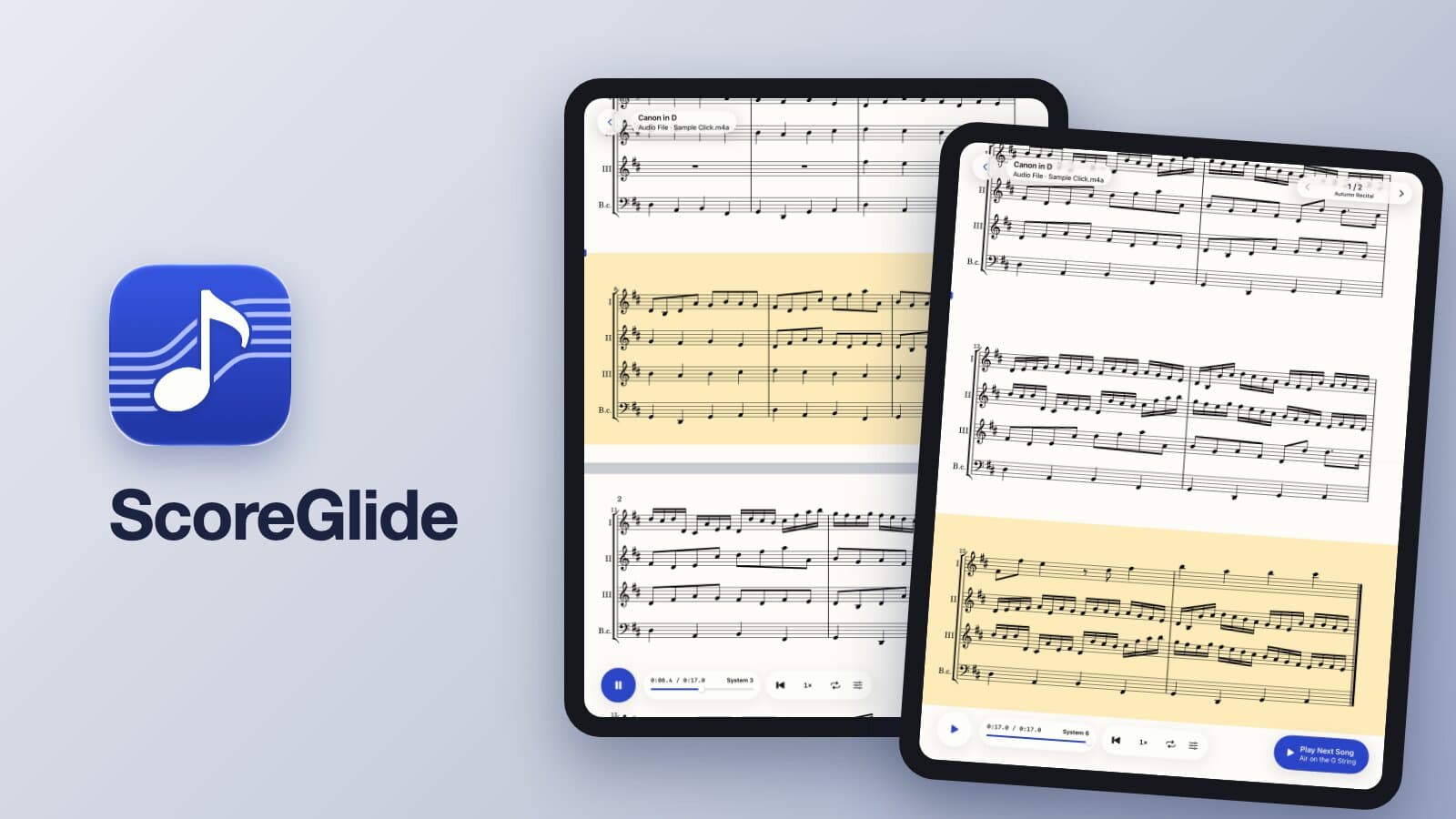
A practice app for iPad that moves your own PDF sheet music system by system, in time with the playback of a song. Tap along once to record where each system starts, then practice with your own audio file or a song on Apple Music. Available on the App Store.
Role
Solo Developer (Planning, Design & Engineering)
Tech Stack
Challenge
Turning pages or scrolling at a fixed speed does not keep up with a real recording, whose tempo can change, and asking the app to listen and align the score by itself is hard to make dependable. The goal was a mechanism that follows the recording itself, works with the PDFs players already have (band scores, TAB, piano scores), and stays predictable for the player.
Solution
Built a native iPad app in Swift and SwiftUI. A custom Swift package detects the systems on each PDF page and draws the score. While listening, the player taps at the start of a system; systems that were not tapped are estimated from their neighbors and can be adjusted later. The score follows the playback position of an audio file or a song on Apple Music.
Results
- Released on the App Store for iPad in October 2026
- Works with your own audio files or songs on Apple Music (Apple Music subscription required)
- Slow-down playback with the pitch kept, section loops and setlists for practice
- Scores, audio files, timing and setlists sync across iPads via iCloud
- Available in Japanese and English
Learnings
Choosing a simple mechanism the player controls (tapping) over automatic audio alignment made the app easier to understand and to trust. Shipping it also meant handling everything around the code, from App Store review and store copy to the support site, which Claude Code helped with throughout.